 By codebitmatrix@gmail.com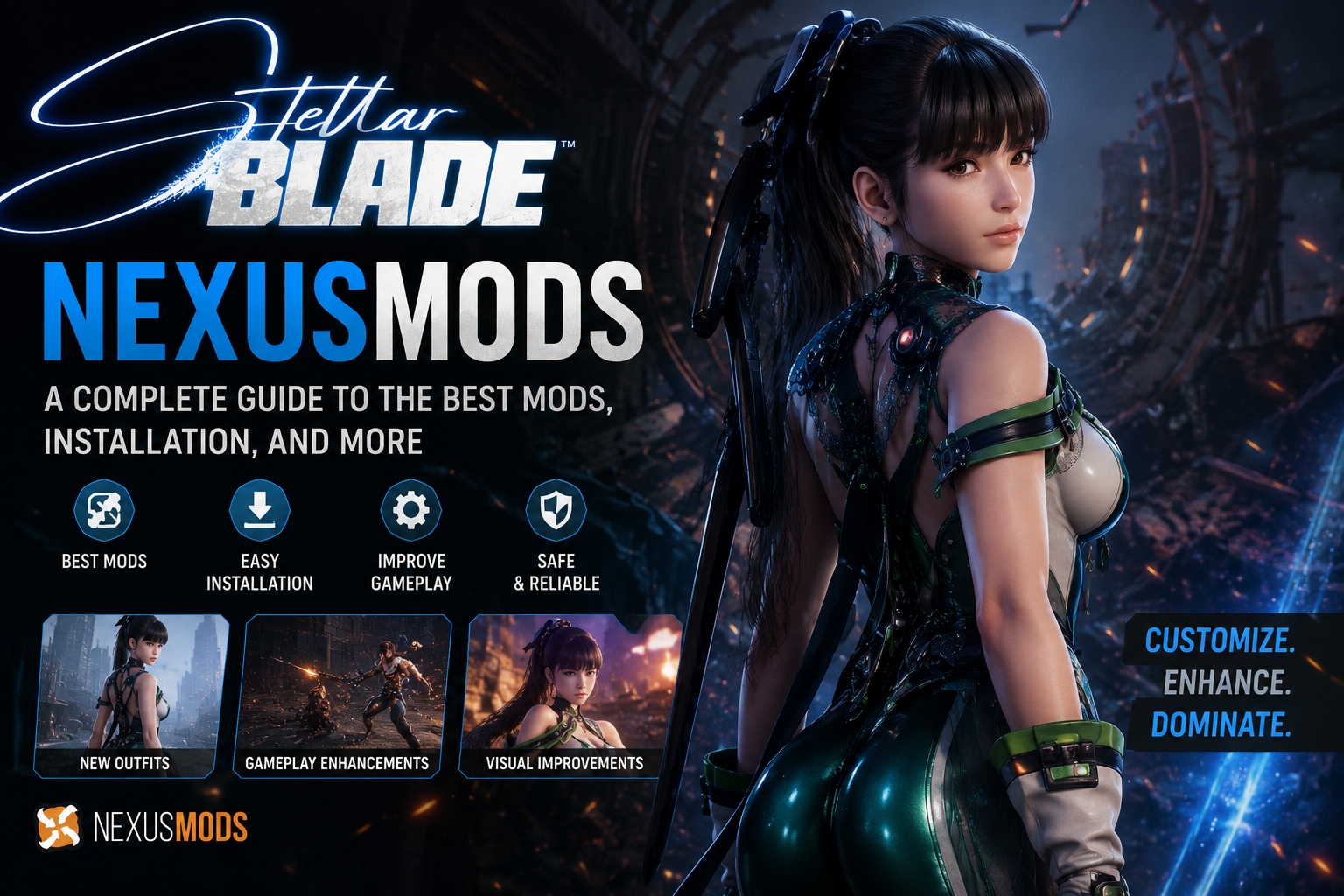
Since its release, Stellar Blade has become one of the most talked-about action RPGs, blending fast-paced combat with stunning visuals inspired by classic hack-and-slash titles. Once the game landed on PC, the modding community wasted no time turning to NexusMods — the internet’s largest hub for game modifications — to customize everything from character outfits to combat mechanics.
If you’re searching for “Stellar Blade NexusMods,” you’re likely trying to figure out what mods are available, how to install them safely, and which ones are actually worth downloading. This guide covers all of that.
What Is NexusMods?
NexusMods is a community-driven platform where players share user-created modifications (“mods”) for hundreds of PC games. It’s one of the most trusted sources for mods because of its strict upload guidelines, virus-scanning system, and active moderation — making it the go-to destination for Stellar Blade’s growing mod scene.
Why Stellar Blade Mods Became So Popular
Stellar Blade’s protagonist, Eve, features a highly detailed character model with customizable outfits already built into the base game. This made the title a natural playground for modders who wanted to expand on:
- Outfit and costume mods — new skins, recolors, and crossover-inspired designs
- Gameplay tweaks — adjusted difficulty curves, camera changes, and combat modifications
- Quality-of-life mods — UI improvements, FPS unlockers, and resolution fixes
- Texture and graphics overhauls — enhanced lighting and higher-resolution textures
Best Categories of Stellar Blade Mods on NexusMods
1. Outfit & Appearance Mods
The most downloaded category by far. These range from simple recolors to entirely new outfit designs, along with hairstyle and accessory changes.
2. Gameplay & Combat Mods
These adjust enemy difficulty, combo systems, or add new mechanics that aren’t in the vanilla game — popular among players who’ve finished the main story and want a fresh challenge.
3. Performance & Technical Fixes
Mods that unlock frame rates beyond the default cap, fix ultrawide monitor support, or resolve stuttering issues reported by the PC community.
4. UI and HUD Customization
Simplifies or redesigns the in-game interface for a cleaner look during gameplay or screenshots.
How to Install Stellar Blade Mods from NexusMods (Step-by-Step)
- Create a free NexusMods account at nexusmods.com
- Search “Stellar Blade” in the games section to access the dedicated mod page
- Download a mod manager such as Vortex (NexusMods’ official manager) for easier installation
- Choose your mod and click download — always check the “Requirements” and “Compatibility” sections on the mod page first
- Install via Vortex or manually extract files into your game directory if the mod requires manual installation
- Backup your save files before installing any gameplay-altering mods
- Launch the game and verify the mod is active in-game
Is It Safe to Use Mods on Stellar Blade?
NexusMods scans all uploaded files for malware, making it significantly safer than downloading mods from random third-party sites. However, players should keep a few things in mind:
- Modding may not be officially supported by the developer, so use mods at your own discretion
- Some mods can conflict with game updates — always check the mod’s “last updated” date against your game version
- Avoid mods requesting unusual permissions or bundled with unfamiliar executables
Final Thoughts
The Stellar Blade modding scene on NexusMods continues to grow, driven by an active community creating everything from cosmetic tweaks to full gameplay overhauls. Whether you’re looking to customize Eve’s appearance or fine-tune performance settings, NexusMods remains the safest and most reliable place to find quality Stellar Blade mods.